POS + Ordering System Integration: The 2026 Guide
Connect POS and ordering system — end double entry. How seamless integration eliminates errors, saves time and which systems deliver it.
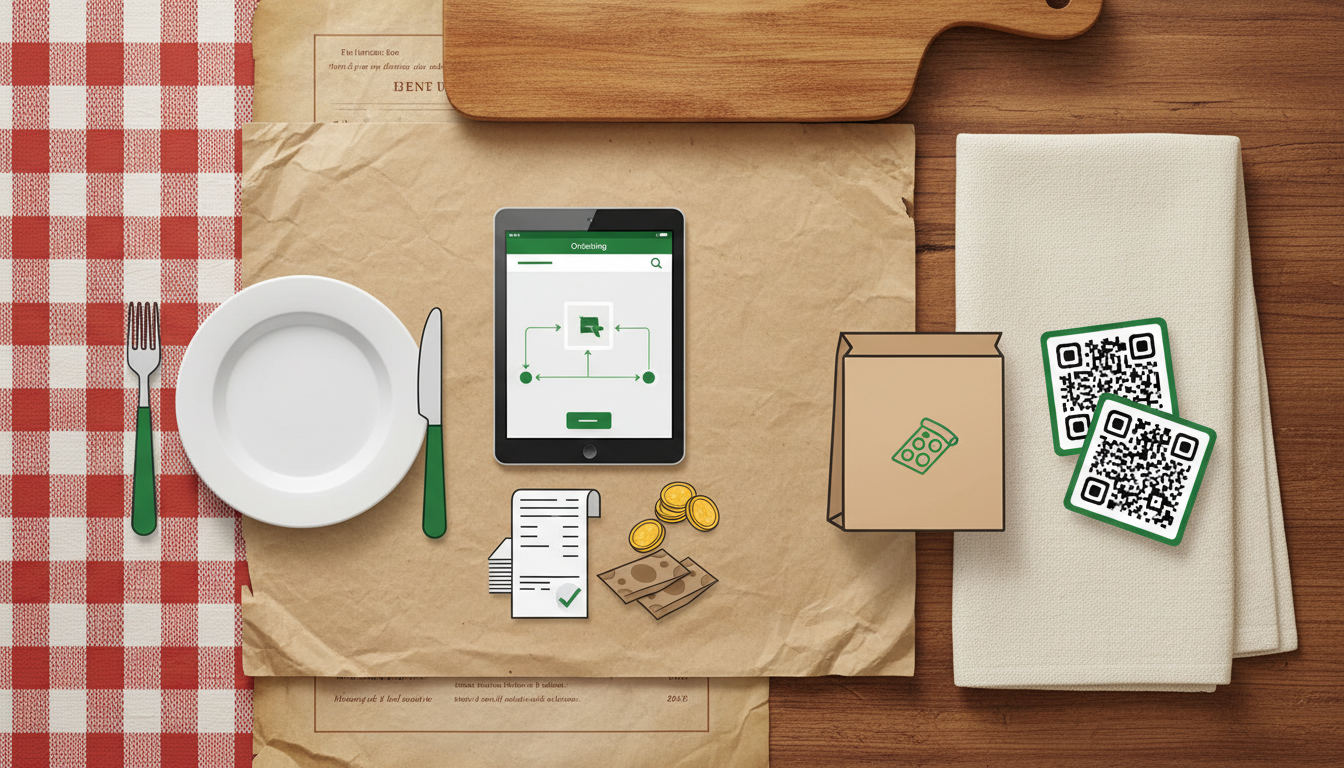
The digitalization of the hospitality industry is advancing unstoppably. While a simple POS system was sufficient years ago, restaurateurs today juggle different ordering platforms, online reservations, and digital payment methods. But what happens when these systems don’t talk to each other? The answer is sobering: chaos, errors, and unnecessary costs.
In this guide, I’ll show you how to seamlessly connect your POS system and ordering system while saving time, money, and stress. Let’s take a look at how modern integration can revolutionize your restaurant operations.
Why Separate Systems Are Slowing Down Your Restaurant
The harsh reality: Manual data entry costs you money daily. Studies show that separate systems lead to 23% more errors in daily operations. But that’s just the tip of the iceberg.
Here are the most common problems I observe in restaurants:
- Double data entry: Every order must be recorded twice - once in the ordering system, once at the POS
- Inconsistent menus: Online menu shows dishes as available that have long been sold out
- Lost orders: During manual transfer, orders regularly get “lost”
- Incorrect billing: Price differences between systems cause confusion
- Overwhelmed staff: Service staff must jump back and forth between multiple systems
Concrete time calculation: With an average of 200 orders daily, double entry creates an additional 2.5 hours of work - that’s already €37.50 daily in extra costs at an hourly wage of €15. Calculated annually, we’re talking about over €13,000 in avoidable personnel costs.
Add to that the stress for your team. Nothing frustrates service staff more than cumbersome technology that complicates their work instead of making it easier.
What Does “Seamless Integration” Really Mean?
Seamless integration means: Your systems speak the same language. Specifically, this means that ordering system and POS system exchange data in real-time without you or your staff having to manually intervene.
The difference is dramatic:
| Manual Transfer | Integrated Systems |
|---|---|
| 5-10 seconds per order | 0.2 seconds automatically |
| Error rate: 15-25% | Error rate: under 1% |
| Staff training required | Runs in the background |
| Stress for employees | Relaxed work atmosphere |
Technical requirements explained simply: You don’t need IT expertise. Modern integrated systems communicate via standardized interfaces (APIs). This works like an automatic translator between two programs - they understand each other without human intervention.
A real example from practice: An order via Lieferando with an integrated system works as follows:
- Customer orders online (0 seconds)
- Order automatically appears in the kitchen (2-3 seconds)
- Invoice is automatically created in the POS (5 seconds)
- Inventory is automatically adjusted (5 seconds)
Done. No manual effort, no source of error.
The 5 Critical Integration Points for Restaurateurs
When you want to connect POS system and ordering system, pay attention to these five crucial areas:
1. Real-time Menu Synchronization
Your online menu must always reflect the current status. If the daily special is sold out, it should immediately disappear on all platforms. 87% of guests cancel their order when advertised items are not available.
2. Automatic Order Data Transfer
Every incoming order - whether via website, app, or delivery platform - should automatically land in your POS system. With customer information, payment status, and delivery data.
3. Unified Customer Database
A customer should have the same customer number in all systems. This way you can offer loyalty programs across systems and have all order histories centrally available.
4. Synchronized Inventory
If you sell the last schnitzel via delivery service, it must immediately be shown as unavailable in the restaurant POS system as well.
5. Unified Reporting
All revenues - regardless of which channel generated them - should end up in one central evaluation. Only this way can you maintain financial oversight.
Checklist to check off:
- Menu synchronizes automatically
- Orders land in POS without detours
- Customer data is identical everywhere
- Inventory is always current
- All revenues are recorded centrally
Avoid Cost Traps: These Integration Costs Are Lurking
Warning: This gets expensive if you’re not careful! Many restaurateurs underestimate the hidden costs when connecting separate systems.
The most common cost traps:
API costs: External interfaces often cost €0.05-0.15 per transaction. With 500 orders per month, that’s already €25-75 additional - every month.
Setup fees: One-time interface setup costs between €500-2,000, depending on complexity.
Monthly interface fees: Many providers charge €50-200 monthly for maintaining the connection.
Hidden personnel costs: IT support, system maintenance, and troubleshooting add up to 10-20 hours per month.
Example calculation over 12 months:
| Cost Type | Separate Systems | Integrated Solution |
|---|---|---|
| Setup costs | €1,500 | €0 |
| API fees (500 orders/month) | €900 | €0 |
| Interface fees | €1,200 | €0 |
| Additional IT support | €3,600 | €0 |
| Total costs year 1 | €7,200 | €0 |
The solution: Start with an integrated system from the beginning. The purchase may be somewhat more expensive, but saves thousands of euros in the long run.
Practice Check: How to Recognize Good Integration
How do you recognize if a provider truly delivers seamless integration? Here’s your 7-point checklist for the provider conversation:
1. Ask About Setup Time
Rule of thumb: Over 2 weeks setup time is a warning signal. Good systems run within a few days.
2. Demand a Live Demo
Have them show you how an order runs from A to Z. No screenshots - a real live demonstration.
3. Check Response Time
Test question: “How quickly does an online order appear in my system?” Answers over 10 seconds are unacceptable.
4. Ask About Downtime
Critical question: “What happens if the internet connection is briefly interrupted?” The system should be able to continue working offline.
5. Test User-friendliness
Can your service staff work with it after 10 minutes of instruction? If not, it’s too complicated.
6. Check Adaptability
Important: Can you make menu changes yourself or do you always need support?
7. Demand References
Talk to other restaurateurs who already use the system.
Red flags in provider selection:
- No clear information about additional costs
- “We’ll clarify that later” for important questions
- No test phase possible
- Support only available via email
- No German contact person
“With our old system we needed 3 months for integration and still had constant problems. Today everything runs automatically - I can finally focus on my guests again instead of technology.”
- Marco Rossi, Owner Pizzeria Da Marco, Hamburg
Implementation in Practice: The 4-Step Plan
How to successfully convert your restaurant to integrated systems:
Step 1: Inventory Assessment (Day 1-3)
- Document all current systems
- List all weaknesses
- Define your requirements
- Set a realistic budget
Step 2: Provider Selection (Day 4-10)
- Get at least 3 quotes
- Conduct live demos
- Talk to reference customers
- Check all costs (including hidden ones)
Step 3: Test Phase (Day 11-17)
- Start with a test installation
- Let your team try the system
- Test all critical functions
- Document problems and improvements
Step 4: Complete Conversion (Day 18-21)
- Train your entire team
- Plan a transition period with both systems
- Monitor the first days intensively
- Collect feedback and optimize
Typical pitfalls and how to avoid them:
Pitfall 1: Team is overwhelmed
Solution: Introduce the system gradually, not all at once
Pitfall 2: Data gets lost
Solution: Create backups and test data transfer in advance
Pitfall 3: Guests notice problems
Solution: Convert during quiet times, not on weekends
On average 14 days is needed for complete conversion with professional support. So plan about 3 weeks and don’t let providers tell you it must go faster.
Future-proof: What Comes After Integration?
Integration is just the beginning - the true potential unfolds afterward:
Advanced Analysis Capabilities
With unified data you can finally create meaningful evaluations:
- Which dishes perform better online than in the restaurant?
- At what times do most orders come in?
- Which customer groups are particularly profitable?
Scaling for Multiple Locations
An integrated system makes opening additional branches much easier. All processes are already standardized and can be adopted 1:1.
Preparation for New Technologies
What’s coming next?
- AI-supported demand forecasting
- Automatic price adjustments based on capacity
- Voice orders via Alexa & Co.
- Contactless payment with smartphone
Restaurants with integrated systems increase their efficiency by an average of 34% - and are much better positioned for future developments.
Forecast for the next 2 years:
- 2025: QR code ordering becomes standard in hospitality
- 2026: Voice ordering enters German restaurants
- 2027: AI takes over initial optimizations in kitchen planning
Those who focus on integration today are already prepared for these developments.
Conclusion: The Path to Seamless Integration
Connecting POS system and ordering system is not a technical luxury project - it’s an operational necessity. The numbers speak clearly: Over €13,000 in personnel costs per year can be saved, errors are reduced by 90%, and your team can finally focus on what really matters: your guests.
The most important success factors summarized again:
- Focus on true integration instead of patchwork
- Watch for hidden costs in provider selection
- Plan enough time for conversion
- Train your team thoroughly
- Think long-term and future-oriented
Do you want to experience how seamless integration works in practice? At GastroSystem you’ll find POS system and ordering system already perfectly integrated - without additional costs, without complicated interfaces, without headaches.
Test now for 30 days free how simple integrated systems can be
Your restaurant deserves technology that works - not technology that creates problems.