Hardware Guide · August 2026

Which hardware do you need for GastroSystem?

An iPad, a receipt printer, a mount and power — that's it. Here's the complete list of devices we see in daily use at our customers. And if you'd rather work on a Windows PC, a Mac or on Android: that works too.

In short: what do you actually need?

For GastroSystem, five things are enough: an iPad in the large size with cellular, an iPhone Pro for when you're out, a network-capable receipt printer (Epson TM-m30III), a solid mount for the counter, and permanent power. The software itself is a native app for iPadOS, iOS and Android — and it also runs entirely in the browser on Windows, macOS and Linux.

The hardware essentials

Before you start — these are the components you need. Everything else is comfort.

  1. iPad with cellular, the large size

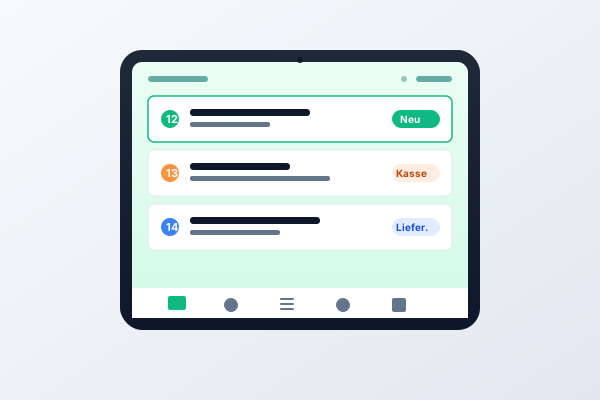
    Take the 13″ version: it shows the order list and the receipt details side by side, while on 11″ you have to switch between the two. The Cellular variant with a SIM slot is what makes a router outage stop costing you orders. iPadOS 17 or later.

  2. iPhone Pro or Pro Max for when you're out

    The same app on your phone: a push for every new order, plus approval, checkout and daily revenue. The Pro models, because they last a full restaurant day and the large display shows the order list without scrolling.

  3. Epson TM-m30III network receipt printer

    The compact cube with a LAN port, 80 mm thermal print, auto-cutter, silent. It sits on the network rather than on the tablet — which is why kitchen, counter and bar print to different devices from the same app.

  4. Mount for iPad and iPhone

    Screwed down, not suction-cupped, and ideally lockable. Cheap suction mounts slip off after a few weeks and take the iPad with them. For the iPhone, a charging stand next to it is enough so it isn't lying on the counter during service.

  5. Permanent power supply

    The iPad stays plugged in during service — an ordering system sitting at 4 % on a Friday night costs you revenue. A USB-C power adapter from 30 W, plus a 2 m cable with strain relief that fits through the cable routing of the mount.

  6. Internet with 4G/5G backup

    Stable Wi-Fi is mandatory. So that orders keep coming in when the router dies, we also recommend a SIM in the iPad as failover. Plans without a minimum term start at €10/month.

Our concrete recommendations

Devices we see in daily use at our customers — with prices and direct links.

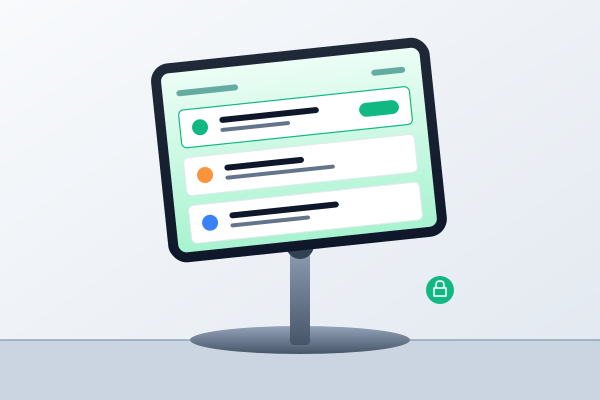
Apple iPad showing the GastroSystem order screen
Tablet

Apple iPad Air 13″ (M3, Wi-Fi + Cellular, 128 GB)

The large size is the workhorse at the counter: order list on the left, receipt on the right, no switching. Cellular means a SIM slot — your ordering system keeps running when the Wi-Fi drops.

  • 13″ Liquid Retina display
  • M3 chip, 128 GB storage
  • Wi-Fi 6E + 5G, eSIM and nano-SIM
  • All-day battery, USB-C

Cheaper option: iPad (A16, 11″, Wi-Fi + Cellular) from approx. €679 — fine for a single workstation, but tight with two orders at once.
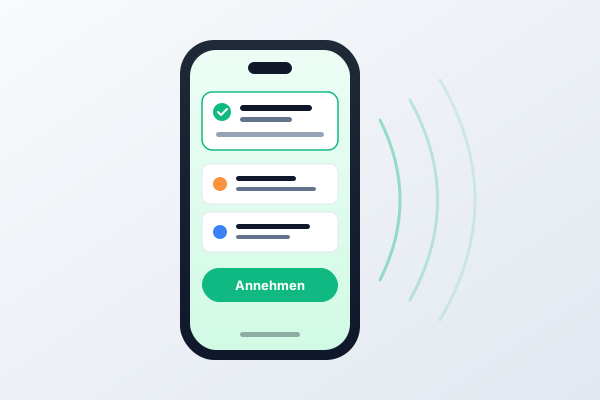
iPhone showing a GastroSystem notification about a new order
Smartphone

Apple iPhone 17 Pro / Pro Max

The owner's device: a push for every new order, approval while you're out, daily revenue on the way home. Pro Max if you also take orders and cash out at the table with it.

  • 6.3″ or 6.9″ display
  • Face ID, all-day battery
  • 5G, eSIM, Wi-Fi 7
  • Native GastroSystem app from the App Store

Android alternative: Samsung Galaxy S25 or Google Pixel 10 — the app is identical on Google Play.

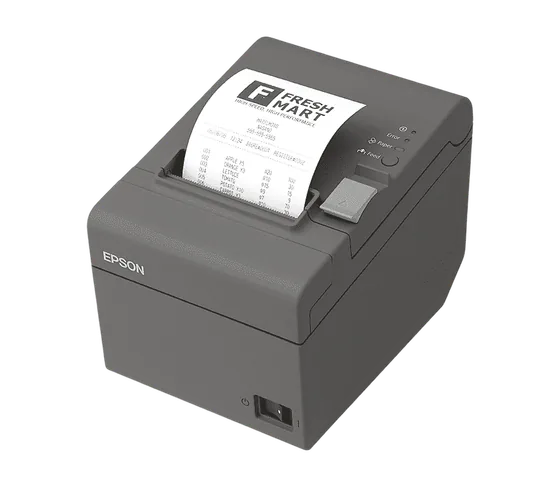
Epson TM-m30III thermal receipt printer
Receipt printer

Epson TM-m30III (LAN + Wi-Fi + Bluetooth)

The standard in German gastronomy: a cube roughly 13 cm on each side that sits on the network and can be printed to from every device in the house — kitchen, counter and bar from the same app.

  • 80 mm thermal print, 250 mm/s
  • Ethernet (LAN), Wi-Fi, Bluetooth, USB
  • Auto-cutter, wall mounting possible
  • Compatible with iPadOS, iOS, Android, web

Alternative for high volume: Epson TM-T88VII (faster, approx. €100 more).

iPad in a lockable counter mount
Mount

Lockable 13″ iPad counter mount + iPhone charging stand

Screwed down instead of suction-cupped: the mount keeps the iPad in position during service, lets you turn it towards the guest, and routes the charging cable neatly downwards.

  • For 9.7″–13″ tablets
  • 360° rotatable, tiltable
  • Lockable (keys included)
  • Screw or clamp mounting with cable routing

For the counter: TabLines or Maclocks mounts are the premium choice (from approx. €130). For the iPhone, a MagSafe charging stand from approx. €30 is enough.

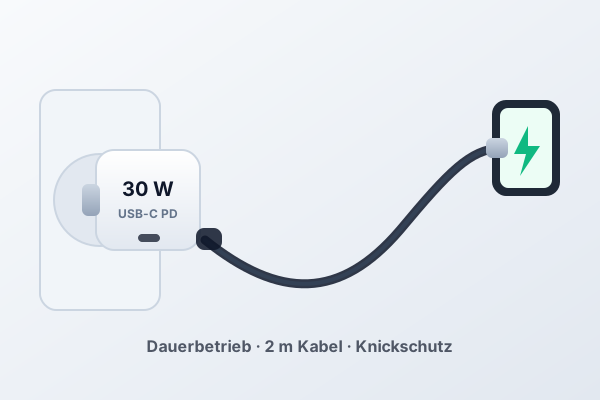
USB-C power adapter with a long cable for continuous operation
Power supply

USB-C continuous power set (30 W adapter + 2 m cable)

The iPad runs on mains power all day. That needs an adapter rated for continuous operation and a cable long enough to reach from the socket to the mount.

  • USB-C Power Delivery, 30 W
  • 2 m cable with strain relief
  • Rated for continuous mains operation
  • Fits through the cable routing of the mount

For the printer and the router we also recommend a small UPS (from approx. €90) — that gets you through a ten-minute power cut without data loss.

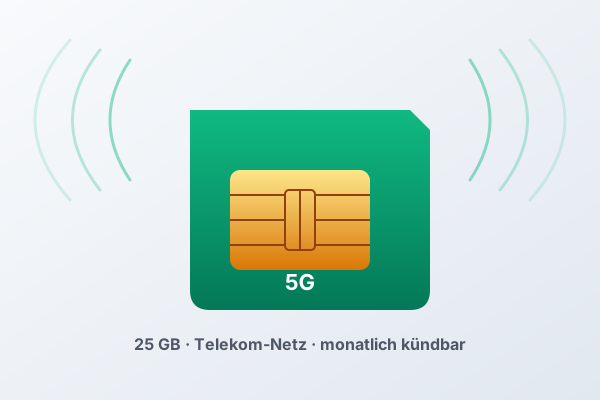
5G SIM card as mobile data failover
Mobile data (failover)

fraenk mobile plan (Telekom network, 5G)

A SIM card in the iPad — if your Wi-Fi fails, the ordering system keeps running over 5G. fraenk is Deutsche Telekom's youth brand, on the Telekom network, monthly cancellable.

  • Telekom network, up to 50 Mbit/s
  • 25 GB+ data volume
  • 5G included, monthly cancellable
  • No minimum term, app management

Alternative: 1&1 Data Flat or Vodafone CallYa Digital — depending on coverage in your region.

Prices as of August 2026, no guarantee. Links lead to Amazon search results — we don't earn from them. You can of course buy the devices from any other retailer.

And if you don't have an iPad?

The list above is our recommendation, not a requirement. GastroSystem is a native app for iPadOS, iOS and Android — and it also runs entirely in the browser.

iPadOS

Native app from the App Store, iPadOS 17 or later. Our reference platform: checkout, order intake, receipt printing and the offline buffer are tested here first.

iOS

The same app on the iPhone, iOS 17 or later. A push for every new order, plus approval, checkout and daily revenue — even when you're not in the shop.

Android

Native app on Google Play, Android 12 or later. Tablets and phones, Epson receipt printers over LAN, Wi-Fi or Bluetooth.

Windows

In the browser at use.gastrosystem.app — Chrome or Edge, no installation, no terminal server. An Epson connected over USB is driven straight from the browser.

macOS

In the browser on any Mac. The same interface on the MacBook in the office as at the counter — including the dashboard, the Z report and the DATEV and DSFinV-K exports.

The guest side — menu, QR ordering, checkout — runs in any browser anyway, including on Linux and ChromeOS. Your guests install nothing.

Why GastroSystem on this hardware?

Our system is built from the ground up for exactly this setup.

Native, not a web wrapper

The app is built for iPadOS, iOS and Android and uses background push, Split View and external keyboards. On the desktop the same interface runs in the browser.

Plug-and-play with Epson

Plug in the receipt printer, enter the IP, done. Print profiles for kitchen, bar and counter are preconfigured.

Offline-capable

Orders are buffered locally when the Wi-Fi drops briefly — and synced automatically as soon as the connection is back.

Frequently asked questions about hardware

Does GastroSystem run on Windows and macOS?

Yes. Checkout, order intake and the dashboard run entirely in the browser at use.gastrosystem.app — on Windows, macOS, Linux and ChromeOS, with no installation. For thermal printing on the desktop, use Chrome or Edge; an Epson connected over USB is driven directly from there. At the counter we still recommend a tablet: touch is faster than a mouse during service.

Does GastroSystem also work on an Android tablet?

Yes, the native app from the Play Store runs reliably on Android 12 and later. We recommend the Samsung Galaxy Tab S10 FE or the Lenovo Tab Plus as a cheaper alternative to the iPad. In our experience iPads last longer, though — 5+ years instead of 2–3.

Why the large iPad and not the small one?

On 13″ you see the order list and the details of a receipt at the same time; on 11″ you have to switch. During the rush that adds up to a few hundred taps per evening. The 11″ iPad works fully — it's just second place.

Which Epson printer fits GastroSystem?

All 80 mm network printers with the ESC/POS protocol. We actively test with TM-m30, TM-m30II, TM-m30III, TM-T88VI, TM-T88VII and TM-T20III. The TM-m30 series — the compact cube — is our standard recommendation.

Do I really need 4G/5G in the iPad?

Not strictly — but strongly recommended. If your Wi-Fi is down for 20 minutes, orders are lost otherwise. A SIM at €10/month is cheap insurance against lost revenue.

Can I run GastroSystem on an iPhone?

Yes — that's what the iPhone app is for: push notifications, reviewing orders, approving them, taking payment, checking revenue. For permanent use at the counter you still need a tablet, otherwise the display is too small for the order list.

What does the setup cost in total?

You probably already own a good part of it — an iPhone almost certainly, often a tablet or a receipt printer too. Then you only buy what's missing: a mount from €49, an adapter and cable from €35, an Epson TM-m30III from €349. Bought entirely new, the setup lands at about €1,500 — iPad Air 13″ with Cellular, receipt printer, mount and power supply together. Plus €10–15/month for the SIM card. Software (GastroSystem) from €99/month — no commissions.

Does GastroSystem supply the hardware?

No — we deliberately don't sell hardware. You buy the devices directly from a retailer (Amazon, MediaMarkt, Apple Store, Cyberport) and aren't locked into a hardware contract. If a device breaks, you replace it yourself within 24 hours.

You've got the hardware. Now the system.

Start free with the digital menu. We help you set it up — free, in person, in under 30 minutes.

See for yourself.

By submitting, you allow us to process your details in order to contact you. Details in the privacy policy.

  • Your app
  • Your customers
  • Your rules
  • Your shop
  • Your taxes
  • Your revenue
  • Your brand
  • Your prices
  • Your data
  • Your guests
  • Your menu
  • Your restaurant